A personal text library
WYLO
Find it.
Tap it.
It’s copied.
A home for the text you use again. Prompts, snippets, useful words. Tap an item to copy its complete content, then get back to what you were doing.
How one-tap copying worksWorking web prototype In development
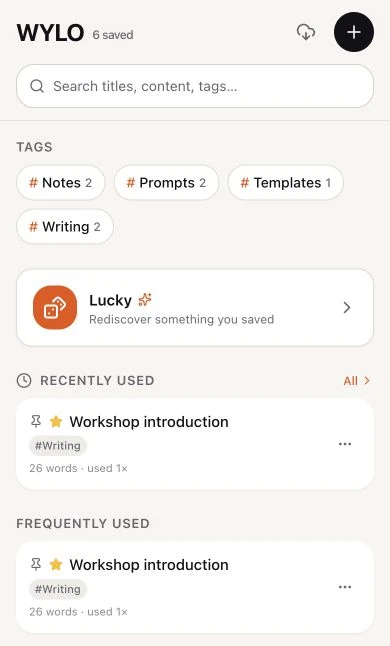
Shown with a demonstration library.
One useful interaction
The item is
the copy button.
Once you find the right words, they should be easy to take with you.
In WYLO, an ordinary tap copies the whole saved item. A short confirmation tells you it worked. Editing and previewing sit in a separate menu, so retrieval stays direct.
Open → find → tap → carry on.
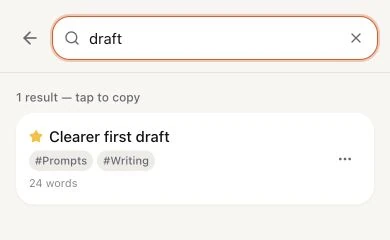
safe demonstration library.
A library built for returning
You saved it
for a reason.
Search reaches into titles, tags and the text itself. You don’t have to remember exactly what you called something.
Keep the useful things close.
Favourites and pinned items make familiar material easier to reach. Recently and frequently used lists follow what you copy.
Leave room for rediscovery.
Lucky draws from your saved library when you want to come across something you already chose to keep.
The build today
Small purpose.
Working prototype.
WYLO currently runs as a web app. The prototype keeps its text library in the browser, with JSON import and export for moving or backing up that library.
There is no account or cloud sync in this build. Native system integrations remain future ideas.
- Form
- Web prototype
- Status
- In development
- Access
- Project preview only
This is an introduction to the project. The app is not available to launch or download from this page.